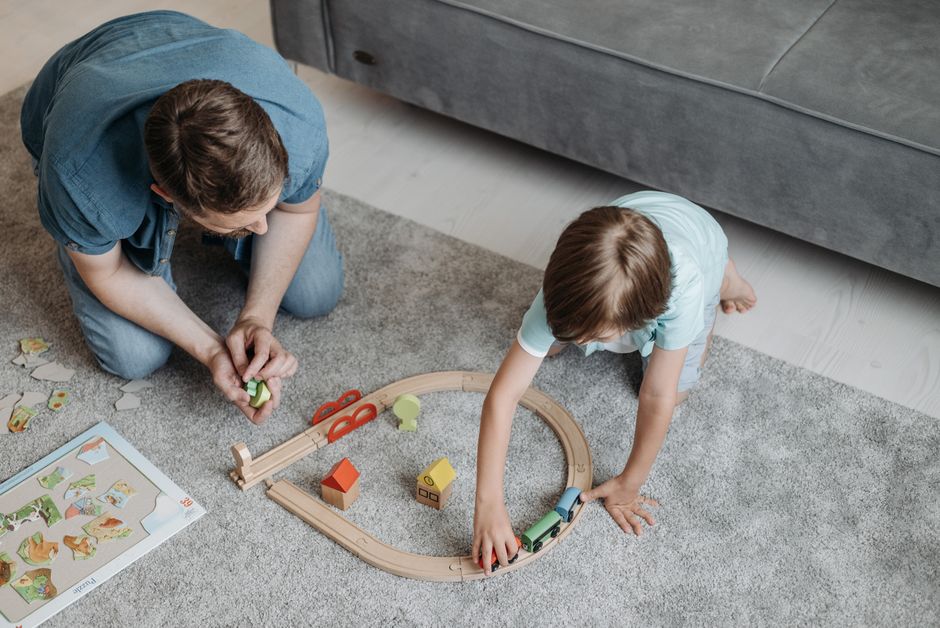
The useful distinction is how a child uses the screen. Active screen time asks them to think, predict, build, test, explain, or change course; passive screen time mainly asks them to watch, tap through, or keep consuming.
Picture an invented example: Maya, nine, is curled into the corner of the sofa at 6:20 on a rainy Thursday, holding the family tablet with both hands. A train on the screen has stopped one square short of its station. She has already rearranged the instruction tiles twice, and dinner is nearly ready.
One more failed route could end the session. Maya might close the app believing she is “bad at coding,” or begin tapping every possible arrangement until one works by accident.
Then she pauses. “The repeat starts too early,” she says, moving one tile and running the train again. This time it reaches the station. The important moment is the sentence she said before pressing play.
Watch what the child does between taps
Screen-time labels can hide the part that matters. Two children may each spend 15 minutes with an educational app and have completely different experiences.
One watches an animated explanation, answers an easy multiple-choice question, collects a badge, and waits for the next animation. The other predicts whether an object will sink, chooses an answer, watches the result, and revises the prediction after seeing what happened.
The second child has something at stake intellectually. An idea can fail.
That creates a useful test for parents: could your child succeed by tapping quickly without understanding? Try watching one short session without helping. Look for the quiet spaces between actions. Does your child count, sound out a word, compare two shapes, trace a route with a finger, or whisper a possible answer?
A good learning activity gives thinking a visible consequence. In Jambolino, for example, a child might route a train by arranging instructions, build a circuit, compare pitch patterns, decode a word, or solve a mathematics challenge that powers part of a persistent world. The answer changes the thing being played with. The learning action drives the scene.
For a deeper example of this distinction, see how prediction can turn a children’s learning game into a scientific experiment.
Use the predict, act, inspect test
You can assess an app in a few minutes by looking for a three-part loop.
First, can the child form an idea before acting? They might predict which material will sink, estimate which fraction is larger, anticipate where a program will stop, or choose how a rhythm continues.
Next, can they act on that idea? Useful actions include moving tiles, assembling a sentence, routing an object, placing quantities, or building a working arrangement. A decorative tap followed by an animation carries less cognitive weight.
Finally, can they inspect what happened? The result should help the child connect cause and effect. A train reaches the wrong platform. A circuit stays dark. A word sounds different from the one they built. The app can then offer another attempt, a hint, or an easier step without turning the moment into punishment.
This loop also reveals disguised worksheets. A pirate, robot, or shower of coins cannot make a static question active when the child’s only job is to select A, B, or C. The strongest clue is whether the surrounding world helps express the concept. A balance beam can embody equality. A branching railway can embody program logic. A growing structure can make mastery visible.
Check the learning beneath the rewards
Rewards deserve separate attention because they can mask shallow play. Ask what your child talks about after the tablet is put away.
Do they mention the problem they solved, the word they built, or why the train took a wrong turn? Or do they remember only the coins, streak, chest, and next prize?
Progress can feel rewarding without manufacturing pressure. Jambolino uses earned currency to build subject worlds, mastery badges, session summaries, and welcoming return moments. It avoids advertisements, loot boxes, public child profiles, countdowns, and streak loss. During its current beta, it is free, with no subscriptions or in-app purchases.
The distinction matters because a reward can point back toward learning or pull attention away from it. A restored building can represent work completed in that subject. A random prize represents luck. One helps the child see progress; the other trains them to chase the reveal.
Parents can explore this further in what a daily reward may teach a child to value.
A practical parent checklist
Before keeping an educational app in the weekly routine, watch a full session and check whether:
- Your child must think before at least some actions.
- Guessing repeatedly is harder than reasoning.
- Wrong answers lead to useful feedback, another attempt, or a gentler step.
- The activity asks the child to build, sort, predict, decode, compare, explain, or revise.
- Difficulty changes as your child learns or struggles.
- Progress reflects named skills rather than time spent tapping.
- Spoken instructions and large controls let younger children work without constant adult translation.
- Rewards connect to learning progress.
- Ads, purchase prompts, public profiles, and manipulative countdowns stay out of the child’s play.
- You can tell what your child is learning from a session summary or parent view.
On Saturday morning, Maya returns to her railway. She reaches another broken route, places two instruction tiles, and stops before running it. Her finger hovers over the repeat command.
“I think this sends it past the station,” she says.
That pause is the evidence to look for.
Comments
No comments yet.